Update the EAC Building Block
1. Download the latest EAC Building Block (B2) WAR file for your Blackboard Learn Java version:
- EAC B2 for Java 21 (Blackboard Learn version 4000+)
- EAC B2 for Java 11 (Blackboard Learn version 3900)
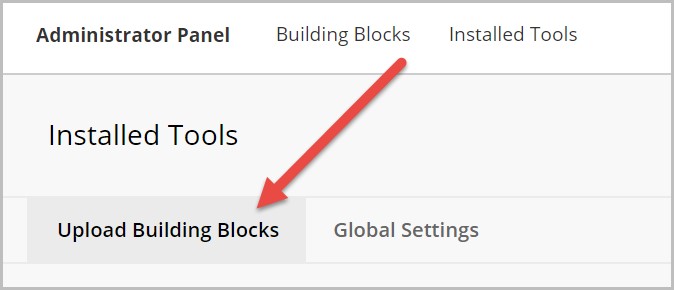
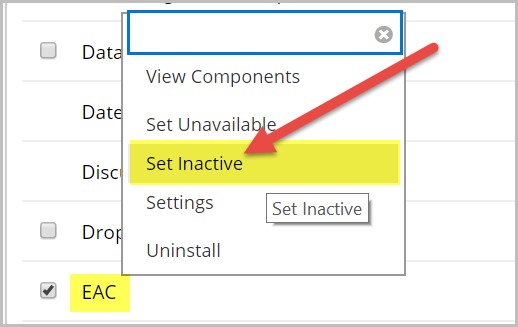
2. Go to Administrator Panel > Integrations > Building Blocks > Installed Tools. Find the current EAC B2 and Set Inactive.
3. Upload the EAC B2 WAR file from Administrator Panel > Integrations > Building Blocks > Installed Tools and then click Approve.